
Key Takeaways
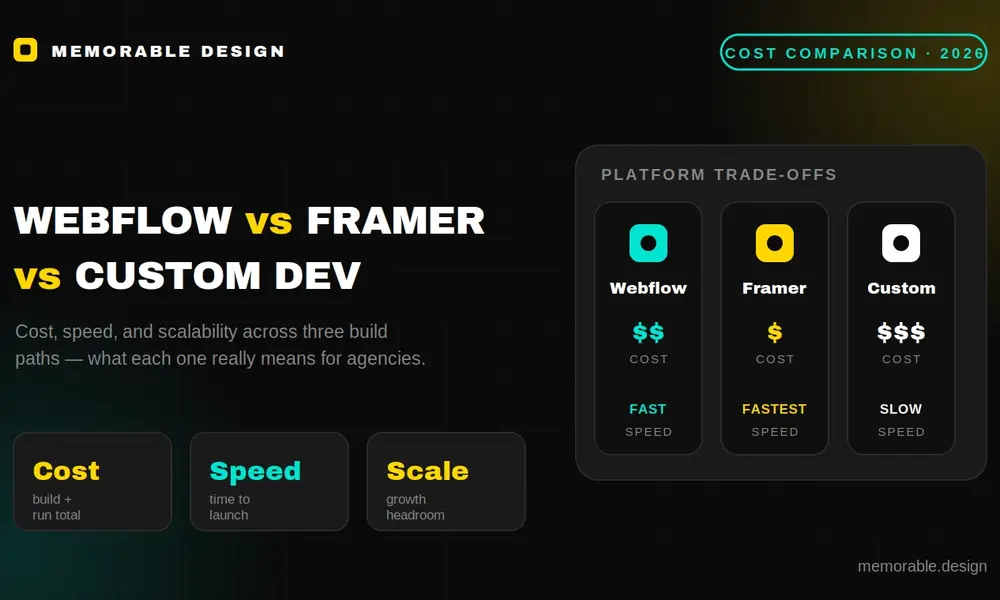
- Webflow is best for scalable, CMS-driven business websites
- Framer is ideal for fast, design-first landing page builds
- Custom development offers maximum control but has the highest cost and longest timelines
- Webflow balances flexibility with structured CMS performance for agency workflows
- Framer reduces production time by removing traditional coding steps
- Custom stacks are best reserved for SaaS, apps, and complex systems
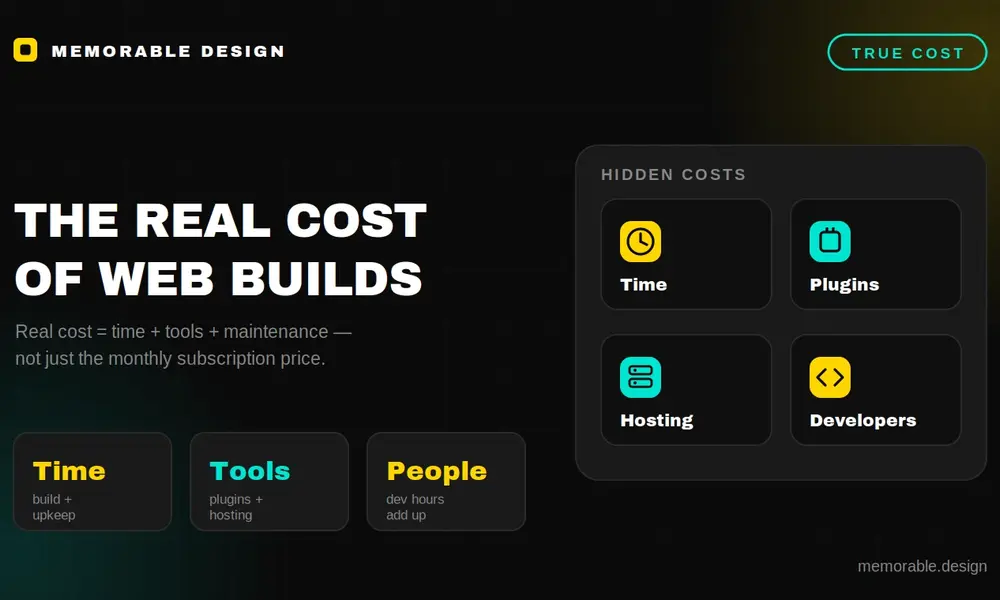
- True cost = not tools, but build time + maintenance + team skill overhead
Choosing the wrong technology stack can quietly drain an agency’s profitability through unexpected software license increases, slow production pipelines, or expensive developer overhead. For digital production teams, deciding where to build client projects comes down to a critical three-way matchup: Webflow, Framer, or traditional custom development. A thorough webflow vs framer comparison shows that Webflow is the clear financial winner for complex, dynamic, CMS-driven business sites. Conversely, Framer offers a cheaper, design-first alternative for rapid marketing landing pages, while custom development remains an expensive but necessary investment for complex web applications.
Understanding this webflow vs framer comparison early allows your agency to align its production tools with actual client budgets. It prevents your team from over-engineering simple marketing sites or hitting technical walls on complex builds. In light of the latest search platform updates, maintaining a fast, technically clean web presence is non-negotiable.
Here is a practical, data-driven cost comparison engineered to help modern agencies navigate the shifting realities of digital production.
The Financial Reality of Modern Web Development
The modern landscape forces agencies to look past basic subscription fees when calculating real production costs. True profitability depends on total build times, long-term maintenance needs, and how easily a client can manage their site after handoff.
Breaking Down Hidden Infrastructure Expenses
A surface-level look at software pricing rarely tells the whole story. To protect your agency margins, you must evaluate the complete operational pipeline. This means tracking asset management workflows, third-party plugin extensions, and the specialized technical talent required to maintain each specific ecosystem.
Balancing Design Speed and Code Control
The balance between creative freedom and rigid development standards directly shapes your internal production expenses. Choosing the right development ecosystem ensures your design team can ship functional client sites quickly without introducing technical debt or breaking responsive layouts.
Evaluating the Webflow Ecosystem for Agency Scale
Webflow operates as a visual interface built directly on top of raw web code principles. It gives teams total control over semantic HTML, CSS styling rules, and complex javascript interactions without forcing a developer to write everything by hand.
Total Cost of Agency Delivery
When you evaluate the financial investment required, analyzing the baseline webflow vs framer pricing models is a critical starting point. For agencies managing multiple projects, Webflow requires a Workspace plan paired with individual, site-specific hosting subscriptions for every active client.
The Production Math
Building client sites within this visual ecosystem introduces a reliable framework for estimating team production costs:
- Average Development Timeline: Most standard, multi-page business websites require roughly 3 to 5 weeks to move from design approval to active staging.
- Specialized Developer Overhead: Your production team must understand fundamental web layouts like Flexbox, CSS Grid, and responsive breakpoint structures.
- Hosting and Maintenance Fees: Base CMS hosting plans hover around $23 to $29 per month billed annually, making it a stable recurring cost.
- Handoff Friction Levels: Clients can easily jump into the visual editor to modify text, upload images, and manage blog posts without touching the layout code.
This platform shines when building scalable, content-driven marketing sites for mid-market corporate brands. The robust native database engine handles thousands of dynamic content entries smoothly, making it a highly reliable website builder for agencies that focus on corporate growth.
The Framer Framework: A Design-First Cost Assessment
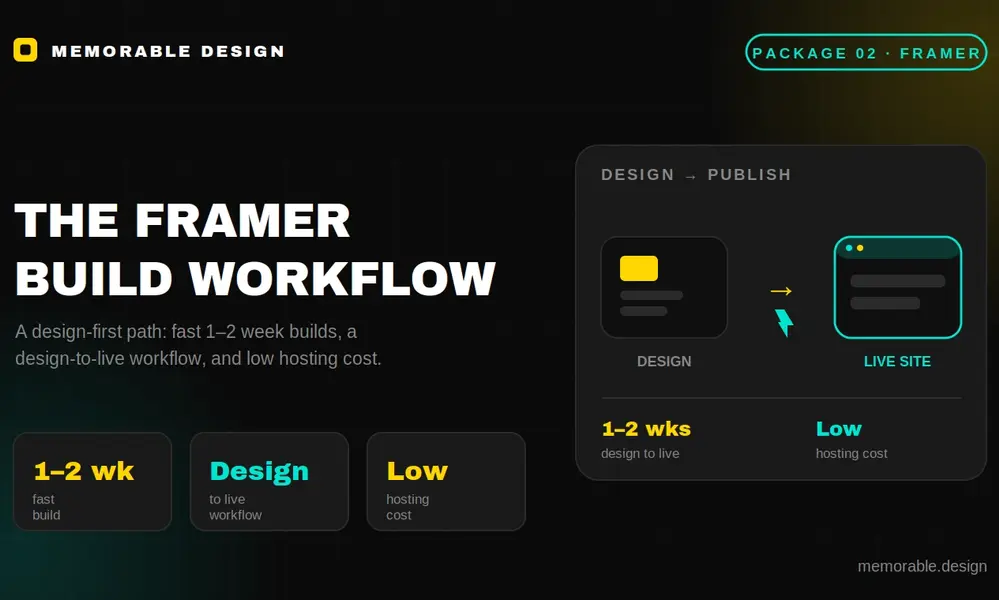
Framer has shifted away from its roots as an interactive prototyping tool to become a major player in production web design. Its workflow mirrors visual design tools like Figma, letting layout artists publish live websites directly from a design canvas.
Streamlining the Design to Production Pipeline
This direct publishing model alters standard production costs by removing the traditional coding step entirely. Designers can build layouts, set responsive parameters, and push live sites to production independently, making the nocode platform comparison highly relevant for rapid campaign deployment.
The Production Math
To see how this fits your agency's financial layout, look closely at the operational metrics behind the canvas:
| Cost Metric Category | Webflow Infrastructure | Framer Infrastructure | Custom Engineering Stack |
| Average Production Time | 3 to 5 Weeks | 1 to 2 Weeks | 8 to 12 Weeks |
| Required Team Skillset | HTML/CSS Visual Layouts | Canvas and Layout Design | Full-Stack Engineering |
| Base Monthly Hosting Cost | $23 - $29 per month (CMS) | $15 - $20 per month (Basic CMS) | $10 - $50+ (Cloud Hosting) |
| External Plugin Reliance | Very Low (Native Tools) | Medium (Component Assets) | High (Code Libraries) |
Reviewing these structural figures shows that the webflow framer cost landscape shifts dramatically when you evaluate rapid marketing campaigns. Because Framer avoids complex coding structures, it serves as an excellent website builder for agencies that need to ship conversion-focused landing pages quickly.
Custom Development: The True Cost of Total Control
Traditional custom development involves writing tailored code from scratch using modern frontend frameworks like Next.js, React, or standard HTML, CSS, and JavaScript. While this approach offers infinite flexibility, it demands a much higher financial commitment from your agency.
Navigating Custom Architecture Costs
Choosing custom code means stepping away from ready-made visual editing dashboards. Every single interface item, user dashboard, content management schema, and security protocol must be planned, coded, and tested by senior engineering talent.
The Long-Term Maintenance Burden
The true expense of a custom project shows up long after the initial site deployment phase. Without an automated platform handling cloud infrastructure updates, your agency must budget for ongoing code library maintenance, server security updates, and active bug monitoring.
Analyzing Cross-Platform Migration and Code Extension
Modern client builds rarely remain completely isolated within a single software environment. As a brand expands, you will eventually need to inject custom script integrations, connect external databases, or migrate front-end designs into separate hosting architectures.
Implementing Advanced Code Overrides
A balanced nocode platform comparison must look at how each system handles external developer languages. This helps you understand how your internal team can write custom scripts when a client outgrows standard out-of-the-box features.
Managing Complex Component Delivery
When assessing the framer webflow custom code workflow, each platform approaches external logic differently:
- Webflow Code Injection: Allows clean placement of HTML, CSS, and JavaScript inside page settings or global headers, keeping visual styling separate from custom functional scripts.
- Framer Component Creation: Uses React and TypeScript directly inside the design canvas, allowing developers to code advanced interactive components that designers can drag and drop visually.
- Custom Code Isolation: Provides total, unrestricted control over the entire software application layer, allowing your engineers to optimize page performance and server logic without platform limitations.
Understanding the nuances of the framer webflow custom code pipeline helps your agency pick a framework that handles future feature requests. This ensures you can scale a client's site without hitting technical roadblocks that force an expensive, unexpected rebuild.
Choosing the Best Platform for Agency Profitability
Protecting your agency’s bottom line requires matching your choice of technology with the actual scope of your client's business goals. Using an over-engineered framework for a simple site kills your margin, while under-engineering a complex project damages client trust.
Optimizing Your Internal Delivery Pipeline
At our agency, Memorable Design, we analyze the structural content needs of a project before writing a single line of code or touching a design canvas. We found that standardizing our development workflows around specific project tiers lets our team ship sites faster while maintaining high quality.
Enhancing the Client Delivery Experience
Your long-term profitability relies heavily on a smooth client site delivery comparison framework. If a client needs constant engineering help for basic text changes, your team stays bogged down in low-margin support work instead of focusing on high-value strategy.
Selecting the best platform for agencies comes down to balancing build speed with the client's operational comfort. Ensuring their internal marketing team can update content independently keeps your agency free to focus on high-margin design and development projects.
Summary of the Agency Tech Stack Comparison
Shifting your digital production to the right platform balances fast deployment times with the long-term scalability that modern brands demand.
- Webflow for Dynamic Sites: Use Webflow for complex, content-heavy corporate websites that need a structured, highly scalable CMS database architecture.
- Framer for Visual Speed: Choose Framer for design-heavy marketing campaigns, fast startup MVPs, and projects where speed to market is the primary goal.
- Custom for Complex Logic: Save custom development stacks for proprietary software systems, membership applications, and unique tools that visual builders cannot handle.
- Evaluate Total Cost: Look past monthly software subscription fees and calculate the real costs of team training, production speeds, and long-term site support.
Frequently Asked Questions
Which option wins the webflow vs framer comparison for standard business sites?
The webflow vs framer comparison favors Webflow when building complex, multi-page business websites that require a robust, relational CMS database. Framer wins on simpler, design-centric marketing sites and landing pages where rapid visual production is the priority.
How does the webflow framer cost difference impact an agency's bottom line?
The webflow framer cost difference depends on your design pipeline. Framer hosting and site plans are generally cheaper for entry-level projects, and its Figma-like canvas can cut production times by eliminating the need for separate front-end translation code.
When should an agency choose no-code vs custom development for client work?
When comparing no-code vs custom development, agencies should choose no-code tools for marketing sites, content hubs, and lead-generation projects to keep build times fast. Custom development should be saved for web apps, SaaS tools, and platforms with highly proprietary security requirements.
Why is the client site delivery comparison so critical for agency margins?
A thorough client site delivery comparison matters because it measures how much post-launch support a client will need. No-code platforms offer simple visual editors that let clients handle their own content updates, saving your agency from endless low-margin maintenance tasks.
What is the best platform for agencies focusing on enterprise local businesses?
The best platform for agencies targeting enterprise local brands is Webflow, because its structured database engine allows teams to build highly scalable, programmatic location pages easily. This infrastructure provides the stability and technical SEO control that larger corporations demand.
