
Resetting a WordPress site after a crash feels like starting from zero—especially when your SEO rankings hang in the balance. Ruslan Smirnov faced this exact challenge while navigating brain injury recovery, turning setbacks into a fresh start. This SEO guide, crafted with insights from Memorable Design and Ruslan's experience as a digital consultant, shows you how to reset a WordPress site without losing your digital marketing edge. Keep reading to see how site optimization and SEO strategies come together in this unique recovery story. Now I am using a Divi theme builder, but I clearly remember how I started developing my first WordPress blog using an Elegant Themes plugin with a simple drag-and-drop editor. At that time, everything felt new and exciting, and the visual editor made it easier to understand how pages were built. I learned by testing layouts, moving elements around, and slowly gaining confidence as I shaped my first site step by step.
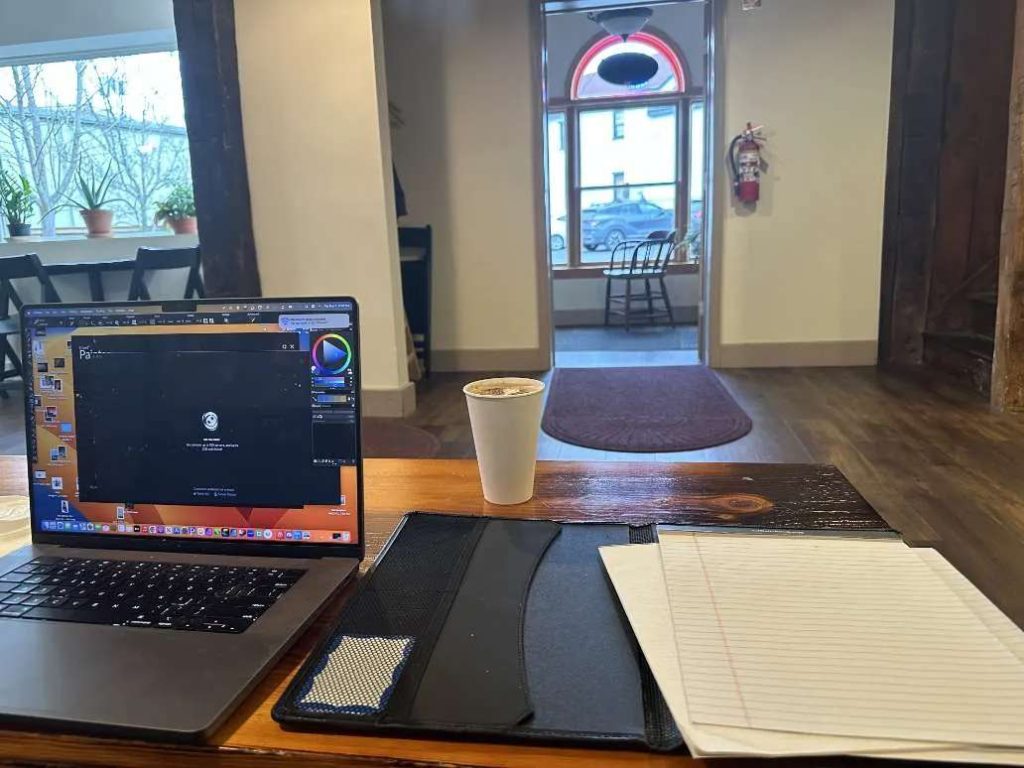
I’m not even sure what I would need to know to reset WordPress.
My first step was researching what resetting WordPress actually involves. I don’t think it’s a very complicated process, and it seems to be more than just reinstalling all the plugins; it would be quite a learning curve, not just using a WP reset plugin
We are redesigning the entire site, again:
This time feels like another full restart, where we step back and look at everything from the ground up. It is a repeat of the process, but also a chance to rethink what we are doing and how the site should come together.
The first time around, I remember thinking it was easy to install WordPress and get things running. At that stage, everything felt simple and manageable, partly because I was still using the WP Reset plugin. Having that reset option made it feel like I could start fresh at any moment without worrying too much about mistakes.

Compare the AI features of the Divi Theme:
When looking at the Divi Theme, it is interesting to compare how its AI features help with everyday website-building tasks. These tools are designed to support layout creation, content suggestions, and design adjustments, making the process feel more guided and less overwhelming. Instead of starting from a blank page, the AI helps move things forward faster while still allowing full control over the final result.
Remember how, the first time I reinstalled WordPress after moving it, the new web host was the one I used with the Elementor drag-and-drop builder. At that moment, using a familiar visual editor made the transition much easier and less stressful. I could quickly rebuild pages, drag elements into place, and get the site running again without feeling lost, which helped me stay confident as I set everything up.
Ruslan Smirnov's Reset: A WordPress Recovery and SEO Guide for Digital Marketers
Isn't it frustrating when a WordPress site reset ends up as a jumbled mess that leaves visitors scratching their heads? Hey there, I'm Ruslan Smirnov, diving deep into mental health content creation. You know the agony of a site that's off-brand or doesn't captivate the right crowd—particularly if you're a mental health influencer or a budding startup. But don't worry, this story is your beacon! Discover how a carefully planned WordPress reset can craft a sharp and engaging digital presence. Dive in to explore an example of how WordPress sites can truly shine. And if you're itching for some inspiration, take a peek at these WordPress website examples to spark your creativity.
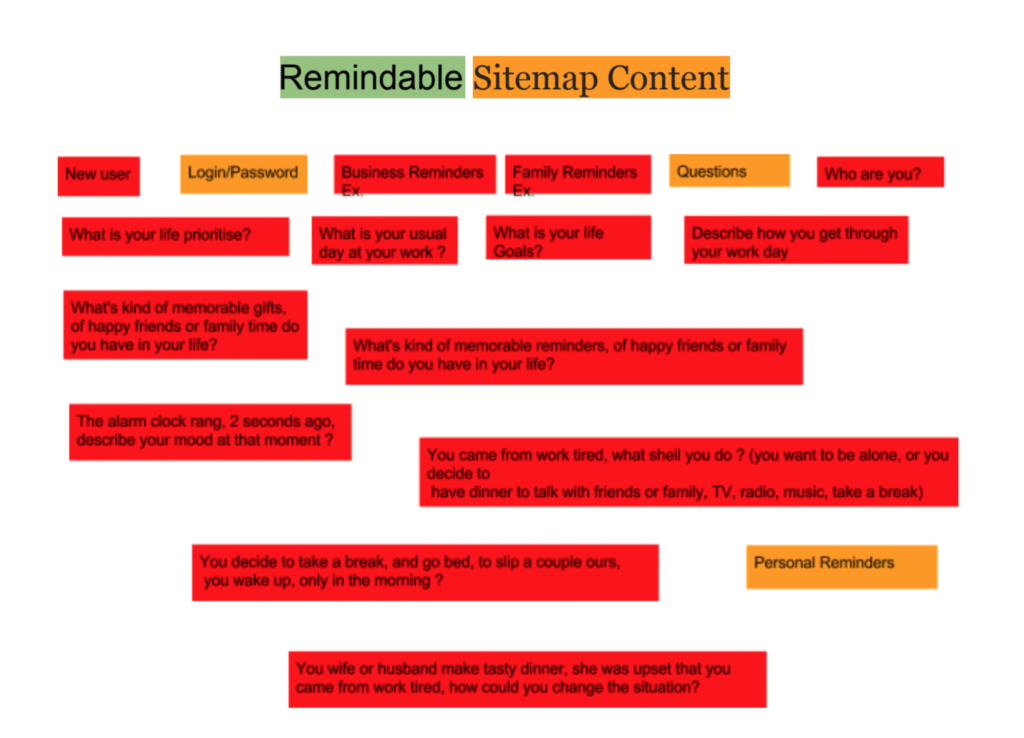
My own example of wordpress sites
Let me tell you a story about my adventure into the world of WordPress sites. Picture this: I'm diving into revamping l2x2 and memor-able.ai, focusing on their sitemap structures. It's like finding a treasure map leading straight to the soul of the website! Working on a drag-and-drop platform is my playground; crafting a site is just a few clicks away.
Reset a WordPress Site
So, you're curious about how to hit the 'refresh' button on your WordPress site, huh? You're not alone, friend! Imagine wanting to start anew while keeping all your hard-earned content safe and sound. That was me too! I dove into the world of site revamps, eager to polish up the design and structure while holding tight to things like posts, pages, and beloved media files. It's kind of like tidying up your room without tossing away all your favorite stuff. Perfect for keeping the soul of your existing website alive while giving it a shiny new coat.
Ever tried to give your WordPress site a fresh start without tossing all your hard-earned content to the wind? That’s exactly what I set out to figure out. Refreshing the site’s structure and design while keeping precious posts, pages, and media files intact was my mission. No need to start from scratch and risk losing the essence of what you've built!
The Challenge of Brand Identity Online
Hey, wanna know what lifts my spirits? I launched my WordPress branding journey just before the pandemic struck. Even though I’m not exactly leading the charge in AI trends, I've found that putting together a whole website on WordPress is way smoother than wrangling with something like Squarespace. Picture this: it’s like hanging out in your living room, rearranging all the elements—pages, visuals, layouts, colors, and fonts—with no coding headaches! Building and maintaining a site can be as smooth and fun as dancing. Plus, I've dived into the Elementor website builder, working on the Goshen Grooves site with the Hello WordPress theme. So, why is Elementor such a superstar in web development? It’s all about its user-friendly drag-and-drop setup, which lets you craft intricate layouts without touching a single line of code. With its customizable widgets, mobile-responsive design features, and seamless compatibility with themes like Hello, it keeps things lightweight. Elementor also offers advanced styling, template libraries, and hooks up with SEO tools, giving both pros and newbies the power to create stunning, functional, and well-structured websites with ease.
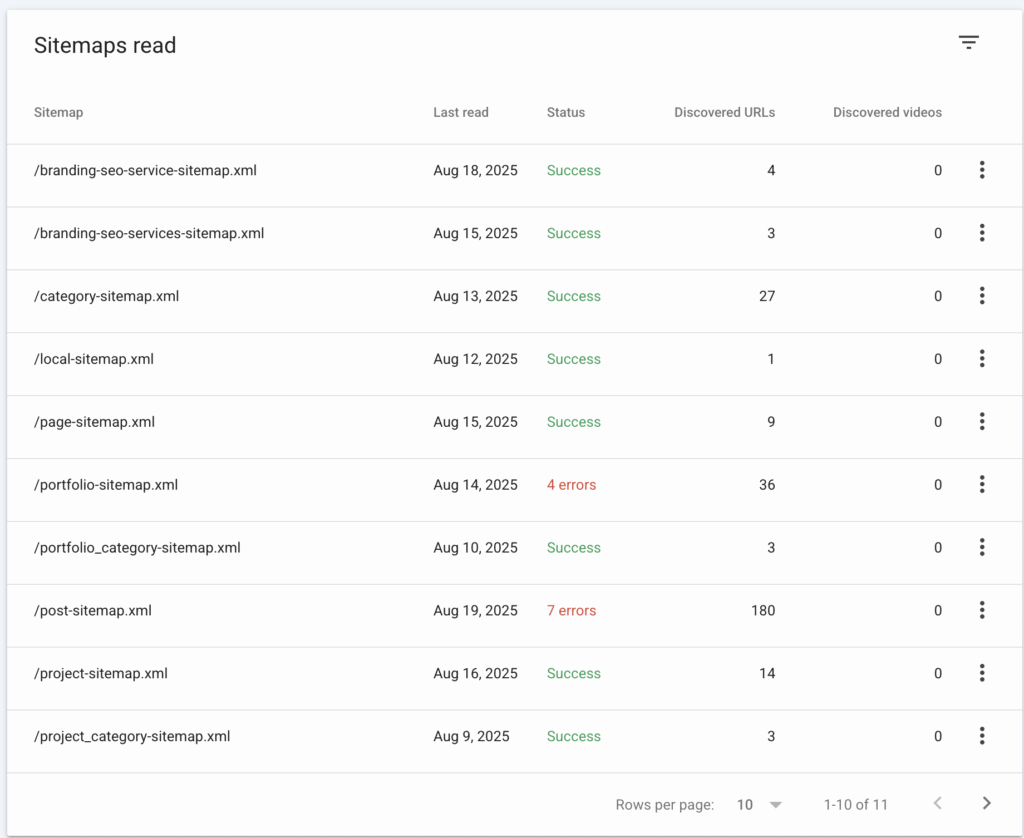
My personal brand
You know those folks who promise to whip up your website in a heartbeat? Well, let’s just say it’s not always that simple with platforms like Squarespace or WordPress:
- This sparked my adventure into the world of website structures using CMS.
- Doing some homework is key before crafting that site we dream about.
When Your Website Doesn't Match Your Vision
Have you ever visited a website and felt completely lost? Maybe the navigation was confusing, or perhaps the design seemed outdated compared to the company's actual services. This disconnect happens more often than you might think, especially for growing businesses and mental health influencers who started with a basic website and never got around to updating it as their brand evolved.
My mental health influencer specializes in anxiety management techniques. My initial WordPress site was built quickly when she first started my practice. Three years and thousands of followers later, her site still showcased me as a newcomer with limited services, even though her practice had grown significantly and expanded into group therapy, online courses, and public speaking.
Creating Joyful Routes: The Collection of an Inspiring SEO Content Guide
Hey there, ever thought about how SEO can be your brand's best buddy? Connecting with your audience starts by truly understanding them—kind of like getting to know a friend really well, right? We dive deep into audience research to create content that's as engaging as a good story and resonates beautifully.
- Strategic keywords are SEO's secret sauce! We sprinkle them into high-quality content like a master chef, ensuring your site shines in search results without compromising on readability.
- Content Mapping and Silo Structure? Picture it like organizing a closet for maximum clarity and ease. We design content that flows naturally and guides search engines on a seamless journey through your site.
- Optimizing for Mobile and Speed because, let's face it, no one likes a website that dawdles. We craft responsive designs and fine-tune your media to keep things snappy and enjoyable across all devices.
- Crafting Engaging Meta Tags is like choosing the perfect caption for an Insta post—it can make all the difference! We create compelling meta titles and descriptions that entice clicks and keep users coming back.
- Building Quality Backlinks is like weaving a web of trust across the internet. We partner with reputable sites, boosting your site's authority and visibility.
- Track and Improve with Analytics like a detective on a case! We regularly check your SEO's pulse with tools like Google Analytics, ensuring you stay ahead in the digital game.
The WordPress Site Reset Approach
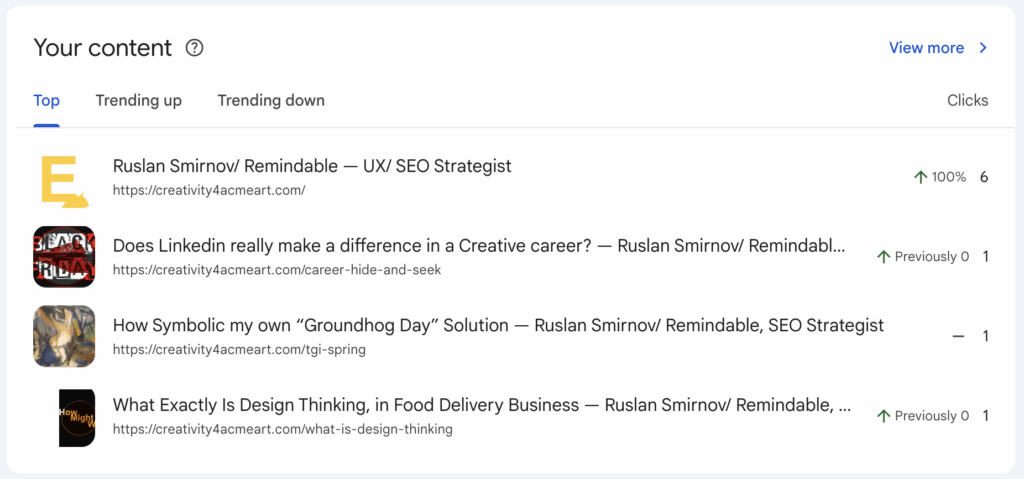
You know what’s awesome about my Remindable site? Originally, I set it up using Squarespace because, honestly, who needs coding headaches, right? I found it super easy to refresh the look and vibe without breaking a sweat. During the process, I got to play around with templates, tweak colors and fonts, and organize things just right to really reflect what the brand is all about.
Starting With Strategy, Not Just Design
A proper WordPress site reset isn't just about making things look prettier. It starts with asking fundamental questions:
- Who are you trying to reach?
- What action do you want them to take?
- What makes your brand special?
- How has your business changed since your last website update?
So, for our mental health influencer, we kicked off the reset process by diving deep into her work. We started by mapping out her current services in detail, noting what she offers, how she delivers it, and which services resonate best with her mission. Then, we identified her ideal clients, figuring out who she serves best, what their struggles are, and what changes they're hoping to make. We also took the time to highlight her unique take on anxiety management, describing the specific methods, viewpoints, and experiences she brings to her clients, and showing how these elements combine to create a style that's truly her own and sets her apart from others.
Hey there, ever thought about transforming your site into a bustling digital hub? Well, that's exactly what a comprehensive approach to SEO can do! Nowadays, we're building sites with a little help from AI magic. Let me take a trip down memory lane to when I started my WordPress website portfolio, which has happily grown into Remindable Studio.
I kicked things off with Squarespace for its simplicity, but my journey with WordPress to capture the essence of Memorable Design was all about choosing the right plugins. Think of it as unlocking the secrets to layout mastery, visual excitement, SEO brilliance, and smooth site structure.
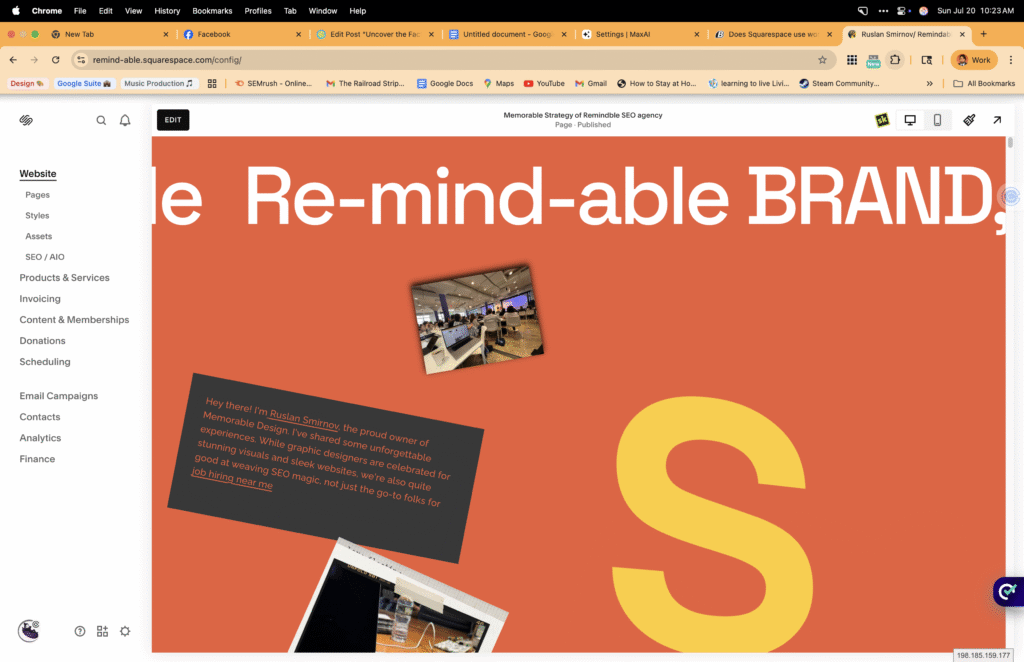
This sparked a question for me: what are the customization options of a Squarespace template?
Looking to discover how others have uniquely customized Squarespace templates?
What do Customization options usually entail?
Should I customize Squarespace, or is it better to choose the right WordPress plugins?
Adjusting text and visuals (headings, content, photos)
- Tweak colors and fonts to align with your brand identity
- Rearrange page layouts or sections to create flow
- Add or remove features like contact forms, galleries, or buttons to enhance user engagement
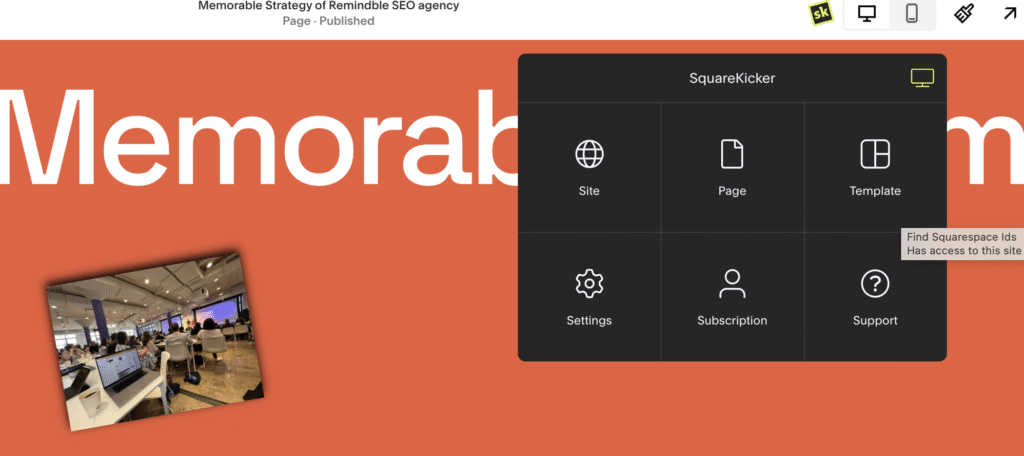
Imagine stepping into a furnished apartment—you might not be able to alter the blueprint, but you can certainly repaint the walls, rearrange the furniture, and decorate it to reflect your unique style.
Detailed List of Squarespace Customization Options
Squarespace provides a robust set of customization tools that allow users to tailor their site to meet specific needs. Below, you'll find a detailed list of what you can customize with Squarespace:
- Template Style and Layout
- Choose from various templates that set the overall structure and aesthetic of your site.
- Customize layout settings to adjust the width, spacing, and positioning of elements.
- Text Customization
- Edit text blocks, headings, and body content.
- Apply different font styles, sizes, and colors to maintain brand consistency.
- Visual Customization
- Upload custom images and videos to galleries and background elements.
- Integrate color schemes that align with your brand's palette using customizable color settings.
- Page Layouts
- Rearrange existing sections or create new ones with Squarespace’s intuitive drag-and-drop interface.
- Utilize pre-designed page sections or design your own layouts with blocks.
- Navigation and Structure
- Create and organize menus to enhance user navigation and experience.
- Adjust site hierarchy and link structure for better accessibility.
- Functional Features
- Add and configure contact forms, subscribe buttons, and other interactive elements.
- Incorporate integrated e-commerce features for online stores, including product listings and checkout options.
- SEO Tools
- Optimize your site with SEO tools, such as custom titles and descriptions for better search engine visibility.
- Responsive Design
- Ensure your site looks great on all devices with mobile optimization features.
- Preview and adjust how your site appears on tablet and mobile interfaces.
- Integration Options
- Connect third-party services and tools like social media platforms, email marketing services, and analytics tools.
By utilizing these customization options, users can create a unique and fully functional Squarespace website that reflects their brand identity and meets their business objectives. Whether you're looking for a simple online presence or a complex e-commerce site, Squarespace's customization capabilities make it an accessible and powerful platform for web design.
