
Key Takeaways
- Top AI video creation tools compared for real results
- Insights on text-to-video speed, realism, and control
- Practical options for beginners, creators, and teams
- Clear budget breakdown to pick the right platform
Ever wondered how top creators put out stunning videos every single day without spending thousands on gear? It almost feels like magic, but it is just smart technology doing the heavy lifting.
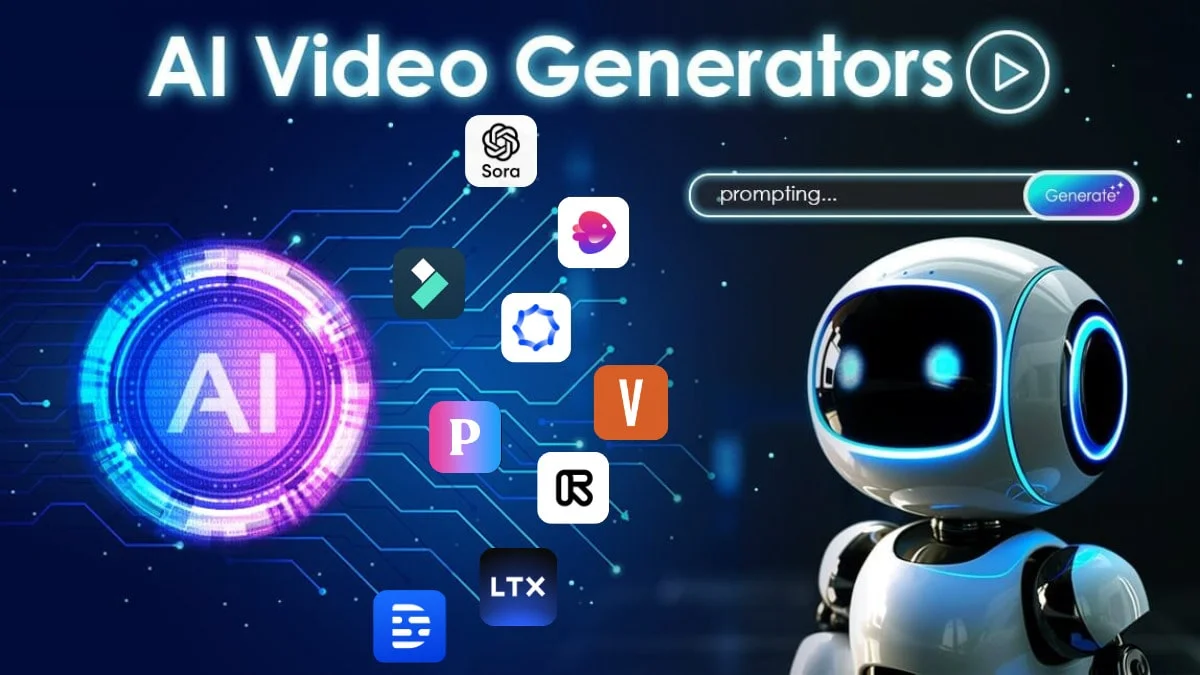
If you want to turn simple text prompts or basic photos into full videos, picking the best ai video generators in 2026 is the fastest way to bring your ideas to life. These tools let anyone generate high-quality video content in minutes right from their desktop or phone.
Finding the best ai video generators in 2026 comes down to matching your creative needs with the right tool. Modern AI platforms convert plain text, script ideas, or image files into smooth, realistic videos with voiceovers and camera motion. Whether you build social media clips, marketing promos, or full presentations, using top video generation software saves significant time and cuts production costs.
Why AI Video Generation Changed the Game?
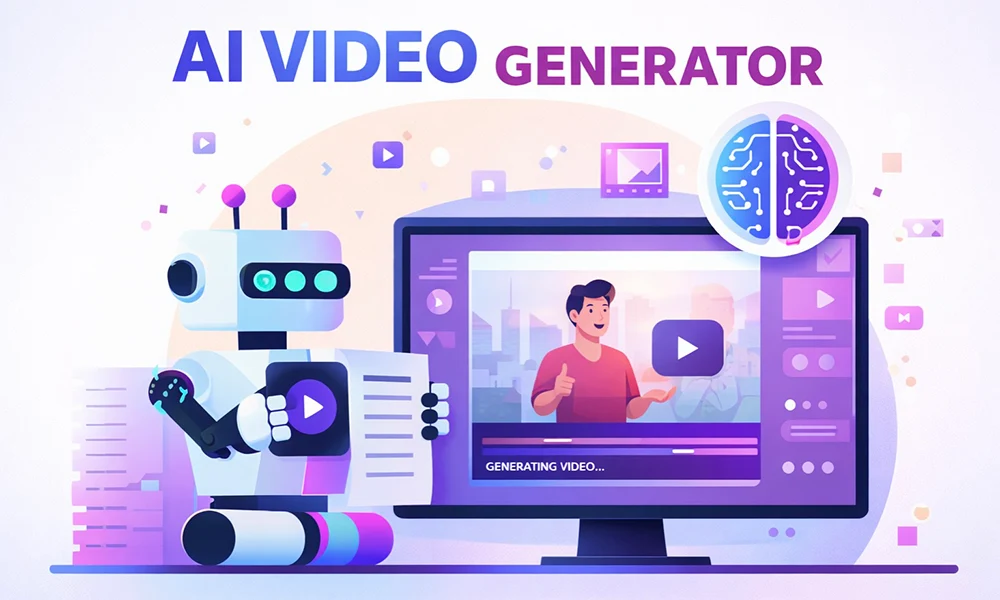
Creating videos used to require expensive camera gear, studio lighting, editing software, and hours of rendering time. Today, all you need is a clear idea and a prompt. AI models now understand complex camera movements, lighting dynamics, and subtle human movements.
That means a single person can produce content that previously required an entire media crew. At memorabledesign.com, we frequently test digital design and automation workflows, and the leap in quality over recent years is staggering.
What Makes a Great AI Video Tool in 2026?
Not every software program fits every workflow. Some platforms focus on hyper-realistic digital avatars for corporate presentations, while others excel at cinematic visual effects for short-form media. When evaluating video tools, look for prompt responsiveness, rendering speed, export resolution, and custom timeline controls. A tool should help you work faster without limiting your creative style.
Comparing the Top AI Video Generators
To make your decision simple, here is a breakdown of how the leading platforms stack up based on performance, target audience, and ease of use.
| Tool Name | Best For | Key Advantage | Processing Speed |
| Sora Studio | Cinematic Realism | Hyper-realistic physical motion | Moderate |
| Runway Gen-3 | Creative Control | Precise camera and brush control | Fast |
| Pika Labs | Animation & Effects | Fun 3D motion and style presets | Very Fast |
| HeyGen | Presenter Videos | Lifelike avatars with lip-sync | Fast |
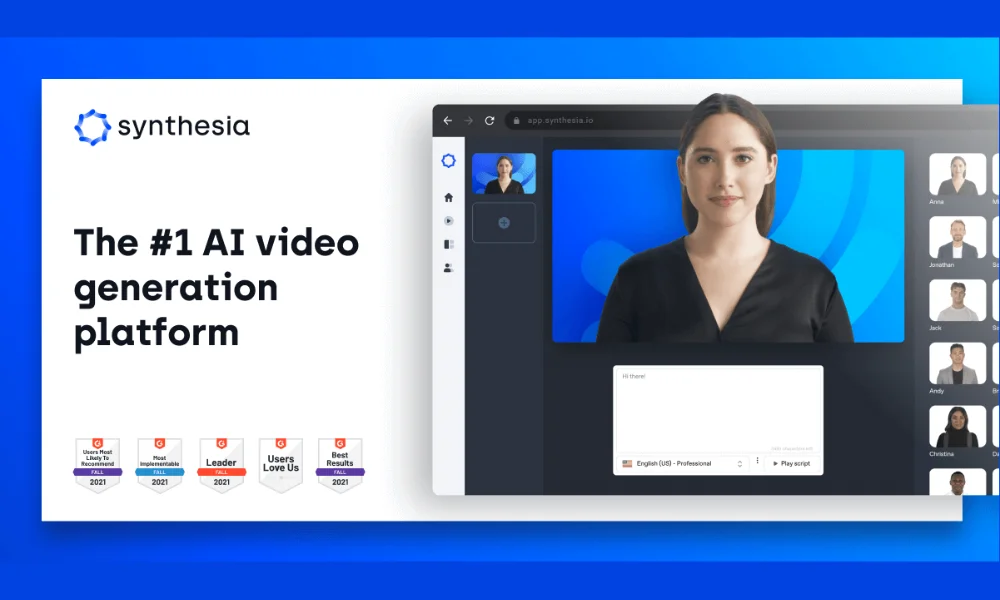
| Synthesia | Corporate Training | Multi-language script translation | Fast |
Deep Dive: The Best AI Video Platforms
1. Advanced Cinematic Generators
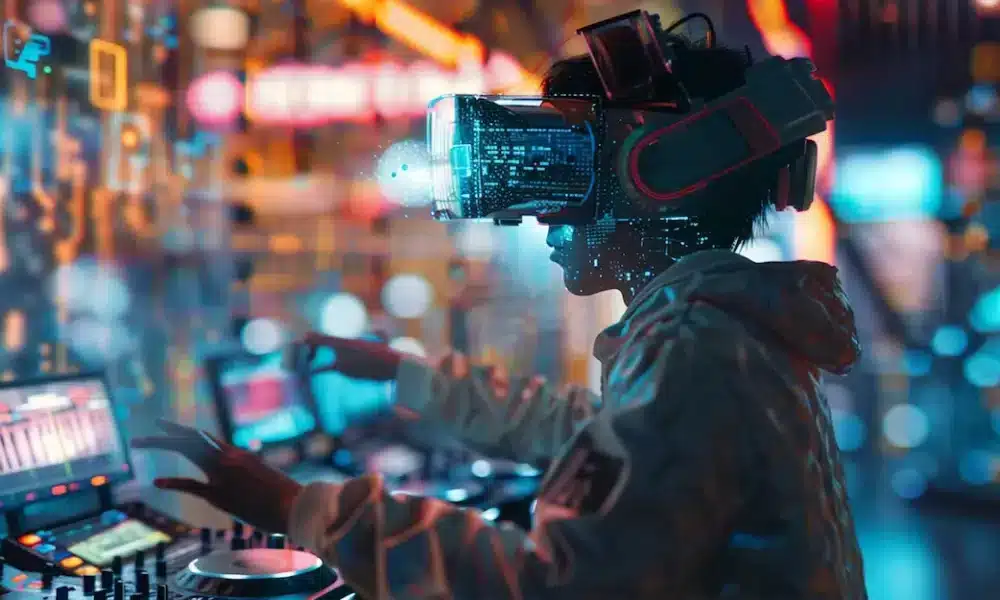
Tools built for cinematic visuals focus heavily on light physics and spatial awareness. They generate footage that looks like it was shot on a digital cinema camera. These platforms shine when you need dramatic scenes, landscapes, or stylized concepts that are expensive to film in real life.
You type a description, adjust settings like aspect ratio or motion scale, and render your shot. Searching for the best ai video generators in 2026 usually leads creators to tools that prioritize film-quality dynamic lighting and seamless motion.
2. Digital Presenters and AI Avatars
If your primary goal is producing training videos, tutorials, or marketing pitches, avatar-based generators offer a solid solution. You supply the text script, pick an avatar, and the system handles speech synthesis and visual framing.
Teams at memorabledesign.com often highlight how avatar workflows assist small businesses in producing multi-language campaigns without hiring on-screen actors for every iteration. Exploring the best ai video generators in 2026 reveals how quickly avatar rendering has evolved to capture subtle facial expressions naturally.
3. Quick-Turnaround Social Generators
Short-form platforms focus on raw speed and vibrant visual effects. They let you tweak video styles quickly, turn static graphic posts into short looping clips, and format content instantly for portrait feeds. If you produce content daily for short-form feeds, finding the best ai video generators in 2026 with fast render times is essential.
How to Get the Best Results from AI Video Tools
Getting great output starts with writing clear, descriptive prompts. Treat the generator like a film director who needs precise guidance, while applying AI content optimization principles to ensure the final content meets your audience's needs.
- Specify camera motion: Use terms like "slow pan left," "drone overhead shot," or "tracking shot."
- Describe lighting and mood: Mention "golden hour," "neon lighting," or "soft studio lighting."
- Define subject details: Focus on textures, colors, background details, and specific action choices.
- Set the style: State clearly whether you want hyper-realistic footage, 3D render styles, or classic line art animation.
Real-World Applications Across Industries
Different sectors utilize video automation tools in unique ways to speed up daily communication and production pipelines.
E-Commerce and Product Demos
Online stores no longer need full studio setups to showcase products from every angle. AI tools generate realistic product videos directly from CAD models or high-resolution photos.
Digital Marketing and Advertising
Marketers can run dozens of ad variations simultaneously by changing background visuals, text overlays, and voiceovers within minutes. Combining these workflows with AI agent platforms can help marketing teams automate repetitive tasks and manage campaigns more efficiently.
When testing variations across ad platforms, choosing the best ai video generators in 2026 helps teams double their creative output without ballooning costs.
Internal Training and Onboarding
Corporate HR teams convert heavy text manuals into interactive video lessons with AI avatars reading the key takeaways smoothly. At Memorable Design, we see design teams use AI video clips to pitch motion concepts to clients early in the design phase. Whether you run a small shop or manage corporate learning systems, using the best ai video generators in 2026 keeps video production flexible and affordable.
Choosing the Right Tool for Your Budget
Prices vary across different platforms depending on whether they charge per render credit or offer flat monthly subscriptions. Free tiers usually provide limited resolution and watermarks, which work well for testing ideas. Paid plans unlock higher resolutions, commercial usage rights, faster generation speeds, and granular timeline controls.
For businesses publishing AI-generated video content alongside written material, AI search optimization can also help improve how their website content is discovered and understood by AI-powered search systems.
Before upgrading to a premium plan, testing free trials of the best ai video generators in 2026 ensures you pay only for features your workflow actually needs.
Key Challenges and What to Watch Out For
While video generation tech has come a long way, it is still smart to be aware of a few minor limitations.
- Consistency across scenes: Keeping the exact same character face identical across multiple clips can take extra fine-tuning.
- Complex physical interactions: Fast dynamic movements like handshakes or intricate physics can occasionally produce small visual glitches.
- Rendering queues: High-demand servers can slow down generation during peak hours unless you use priority processing tiers.
Evaluating the best ai video generators in 2026 means weighing these small trade-offs against the huge time savings they deliver.
Final Thoughts
Finding the right AI video platform comes down to what you want to build. If you need realistic cinematic shots, avatar presenters, or fast clips for social feeds, there is an option built for your exact workflow.
By keeping up with the best ai video generators in 2026, creators and businesses can streamline content creation, cut down editing hours, and bring complex visual ideas to life faster than ever before. Start testing with free trials, refine your prompting technique, and see how simple video creation can be.
Frequently Asked Questions
What is the best AI video generator for beginners?
Tools like Pika Labs and Runway offer intuitive drag-and-drop interfaces that make generating your first video clip straightforward, even with zero editing experience.
Can I use AI-generated videos for commercial projects?
In most cases, yes, provided you hold a paid tier subscription that grants full commercial usage rights for the rendered content.
How fast do AI video generators render clips?
Generation times generally range from 30 seconds to a few minutes per clip, depending on prompt length, model load, and visual resolution settings.
Do AI video tools require a powerful computer?
No, because almost all processing occurs on remote cloud servers, meaning you only need a standard web browser and an internet connection.
