

Key Takeaways
- Clear navigation structure
- Fast loading speeds
- Mobile responsiveness priority
- Seamless user interactions
- Strong accessibility standards
Have you ever visited a site that looked gorgeous, but the second you tried to click a menu or buy a product, everything fell apart? It is super frustrating, right? That is exactly why website design functionality evaluation criteria matter so much today.
Website design functionality evaluation criteria are the specific standards used to test if a site works smoothly, loads fast, and helps visitors complete actions easily.
When you evaluate site usability early on, you save tons of time and money later. A site shouldn't just sit there looking pretty. It needs to work effortlessly for every single visitor.
Evaluating website design functionality evaluation criteria helps you test how well your site performs for real visitors. It focuses on page speed, mobile responsiveness, simple navigation, solid security, and smooth user paths. When your site works properly without glitches, visitors stay longer, trust your brand, and turn into loyal customers effortlessly.
Why Functional Website Design Matters More Than Ever
We have all been there. You click a link, wait five seconds, and nothing happens. What do you do? You hit the back button immediately.Good functionality keeps your virtual doors wide open. It turns casual browsers into happy buyers without causing headaches along the way.
If your site is tricky to navigate, people simply leave. It is as simple as that. At memorabledesign.com, we always remind business owners that great design is really about how things work under the hood. When your functional website design shines, every single button click feels completely natural and satisfying. Having a clean functional website design ensures your visitors never get stuck in frustrating loops.

Core Website Design Functionality Evaluation Criteria
So, how do you actually measure if your site is working right? You need a clear checklist. Breaking down your testing process into clear buckets makes the whole project much easier to handle. Let us look at the primary features you should test on every page.
| Evaluation Pillar | Key Focus Area | Direct User Impact |
| Speed & Performance | Fast load times, quick responses | Keeps bounce rates low |
| Navigation & Search | Intuitive menus, clear labels | Helps users find info fast |
| Mobile Responsiveness | Adaptive layouts, touch targets | Captures mobile traffic |
| Accessibility | High contrast, screen reader support | Reaches all users easily |
| Form Usability | Minimal fields, clear error notices | Boosts overall conversions |
1. Speed and Technical Performance
No one likes waiting around for slow images to render. Page speed is usually the very first impression you make on a user. Based on available data, even a one-second delay can drop your user satisfaction significantly. Make sure your site images are compressed and your scripts run smoothly. Fast pages keep visitors smiling.
2. Navigation and Information Flow
Can a brand-new visitor find your contact page in less than three seconds? If not, your navigation might need a small tune-up. Menus should be simple, clean, and logical. Avoid using confusing labels that leave people guessing. A helpful search bar can also save the day for visitors who are in a quick rush.
3. Mobile Responsiveness and Touch Controls
More than half of your traffic likely comes from smartphones. If your site looks broken on mobile screens, you are losing business. Buttons need to be big enough for fingers to tap easily. Text should be legible without needing to pinch and zoom. Always test your site across multiple devices to make sure it scales seamlessly everywhere.
4. Accessibility Standards for Everyone
An inclusive website ensures every user has a great experience, including people using screen readers. Use clear color contrast so your text stands out nicely against background colors. Adding alt text to images is another easy win that builds massive trust with your full audience.
5. Interactive Elements and Error Handling
Forms, buttons, and links are where the real action happens. They need to respond instantly when clicked. If a form fails, show a helpful message explaining what went wrong instead of a generic error code. Clear feedback keeps users calm and guides them right to the finish line.
Step-by-Step Website Functionality Evaluation
Ready to test your site like a pro? You do not need to be a developer to run a solid checkup. Follow this simple framework to evaluate site usability across your main pages.
- Run a Speed Test: Use free performance tools to analyze load speeds and flag heavy scripts that slow down your pages.
- Test Navigation Paths: Click every single menu link to confirm it leads to the correct page without breaking.
- Audit Mobile Experience: Open your site on a smartphone and tap through forms to check touch responsiveness.
- Verify Form Submissions: Submit test messages through your contact forms to verify notifications land in your inbox.
- Check Content Accessibility: Review color contrasts and ensure images include clear descriptive alt text.
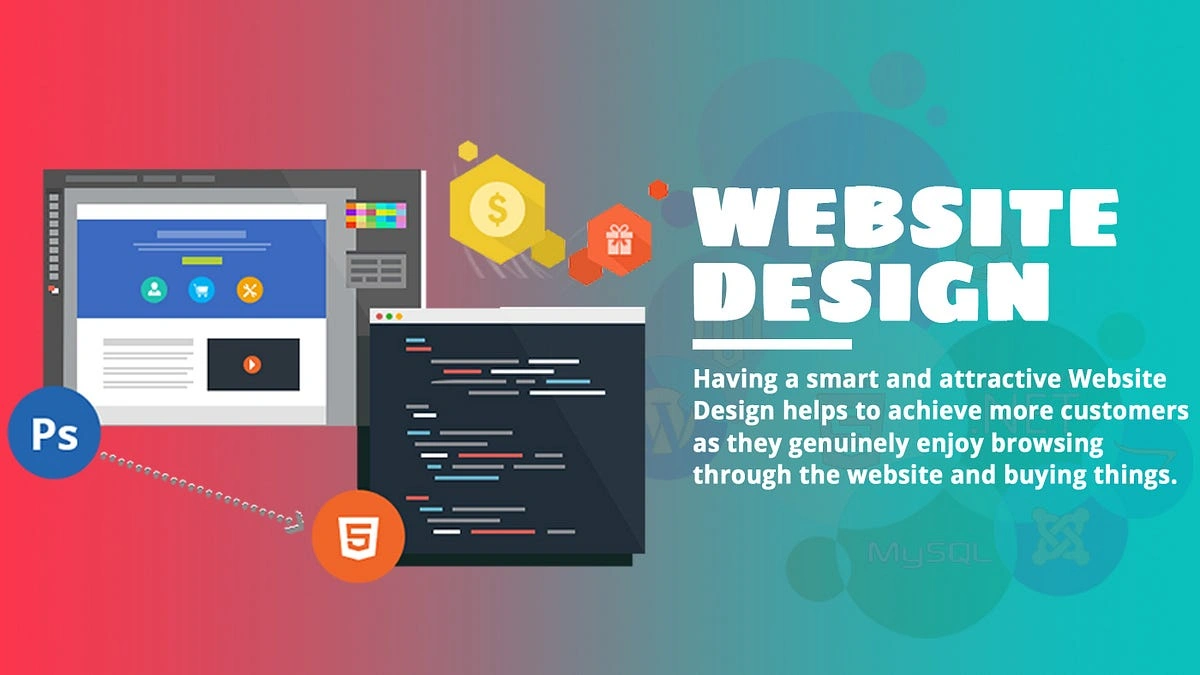
Deep Dive into Website Design Functionality Evaluation Criteria
When you establish your evaluation process, you must look closely at each technical layer. Understanding website design functionality evaluation criteria requires testing every user touchpoint thoroughly. Let us explore how these specific criteria protect your brand reputation and keep users engaged.
User Experience and Page Speed Factors
Fast page loading forms the foundational core of website design functionality evaluation criteria. When pages load sluggishly, users experience immediate frustration and jump to competing search results.
Optimizing images, leveraging browser caching, and minimizing script bloat directly enhance site speed. A snappy interface keeps visitors browsing your content longer without annoying interruptions.
Mobile Optimization and Adaptive Layouts
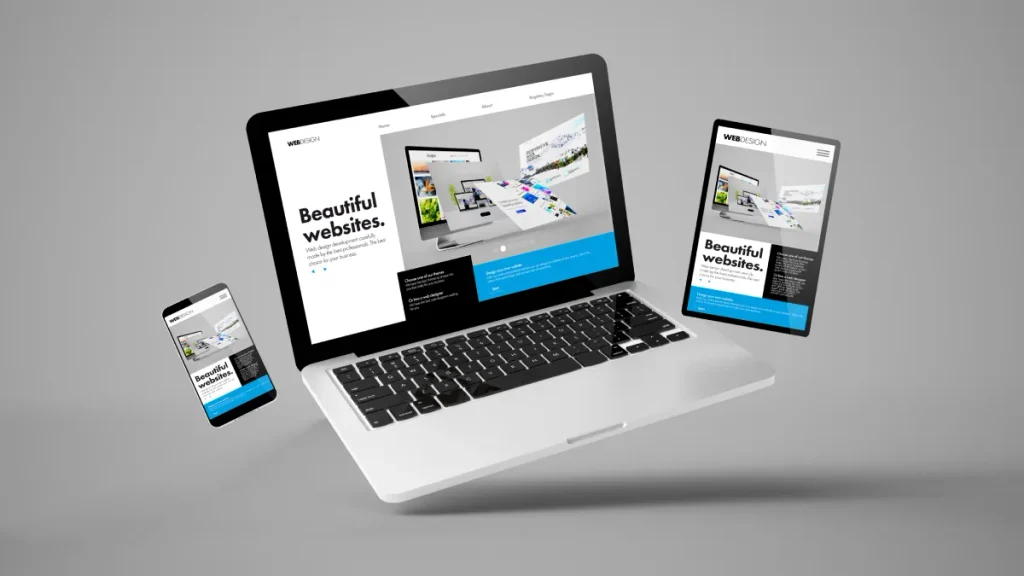
Mobile usability plays a critical role in website design functionality evaluation criteria. Because mobile traffic dominates modern web browsing, responsive breakpoints are absolutely non-negotiable. Touch elements must feature generous spacing so mobile users do not misclick nearby links. Viewport flexibility guarantees your page structure flows naturally on screen sizes of any dimension.
Logical Navigation and Architectural Depth
Clear site organization is a cornerstone of website design functionality evaluation criteria. If users cannot locate core services within seconds, your information architecture needs immediate restructuring. Category structures, breadcrumbs, and clean header menus help guide visitors through complex topic depth. Streamlined paths ensure every visitor finds exactly what they came for without hitting dead ends.
Inclusivity and Web Accessibility Standards
Universal access represents a necessary dimension of website design functionality evaluation criteria. Ensuring high contrast ratios allows visually impaired users to read text without extra strain.
Descriptive alt attributes allow screen readers to interpret visual media with total accuracy. Building accessible structures expands your audience reach while demonstrating authentic care for all guests.
Form Performance and Conversion Friction
Frictionless form fields are essential when measuring website design functionality evaluation criteria. Every unnecessary input field introduces unnecessary friction and increases abandoned conversion attempts.
Real-time field validation helps visitors fix simple mistakes instantly before submitting their details. Clear call-to-action buttons guide prospective customers smoothly across your lead generation finish line.
Common Red Flags That Hurt Functionality
Sometimes small mistakes quietly ruin your user experience. Catching them early keeps your traffic flowing smoothly. Here are the key red flags to keep an eye on during your regular site audits.
Technical Performance Warnings
- Broken links leading to dead pages
- Missing SSL certificates causing security warnings
- Overly aggressive pop-ups blocking the screen
- Uncompressed images causing severe page lag
Usability and Layout Warnings
- Tiny text that is hard to read on mobile screens
- Hidden contact information that frustrates users
- Cluttered headers with far too many links
- Confusing forms requiring unnecessary personal data
Understanding the Value of Evaluating Site Usability
Why should you routinely evaluate site usability across all your key pages? When you evaluate site usability regularly, you catch technical issues long before they impact your revenue. Uncovering hidden user bottlenecks allows you to fix broken pathways before visitors bounce away permanently.
Taking time to evaluate site usability keeps your competitive edge sharp in crowded search markets. Business owners who systematically evaluate site usability enjoy far higher long-term customer satisfaction scores. A commitment to evaluate site usability guarantees your conversion funnels always perform at peak capacity.
How Functional Website Design Drives Conversions
When you refine your website design functionality evaluation criteria, your business results naturally improve. A smooth site eliminates friction, making it ridiculously easy for visitors to sign up, buy, or reach out. In most cases, simplifying your checkout steps yields an instant boost in completed orders. When things work seamlessly, customers feel safe spending their hard-earned money with you.
At memorabledesign, we focus on building experiences where functionality and beauty work hand in hand. Applying a reliable functional website design strategy makes every online interaction memorable for the right reasons. When design serves a clear purpose, your site transforms into your best 24/7 sales representative. Investing in strong functional website design ensures your business stands out as reliable and trustworthy.
Maintaining Long-Term Website Functionality
Evaluating your site is not a one-and-done project. Websites need regular checkups to stay in tip-top shape. Plugins update, browsers change, and new devices launch all the time. Routine maintenance prevents unexpected bugs from appearing.
Set aside time every month to run through your basic checklist and test critical visitor paths. Keeping your site updated ensures your functional website design stays effective for years to come. Your visitors will appreciate the smooth experience, and your business will enjoy steady growth.
Conclusion
Mastering website design functionality evaluation criteria is one of the smartest ways to guarantee your site actually delivers results. By testing speed, navigation, mobile usability, and basic accessibility, you create an effortless journey for every guest.
Remember, a great website is never truly finished, it grows and improves right alongside your audience. Keep testing, keep refining, and enjoy watching your online presence thrive!
Frequently Asked Questions
What are website design functionality evaluation criteria?
They are specific standards used to test if a site loads quickly, operates smoothly, and helps visitors complete actions easily.
How often should I evaluate site usability?
It is generally best to run a basic check monthly and conduct a comprehensive site audit every six months.
Why is mobile responsiveness so important?
Most web traffic comes from mobile devices, so your site must perform flawlessly on smaller screens.
How does site speed affect user experience?
Slow pages frustrate visitors, leading to higher bounce rates and significantly lower conversion rates overall.
Can bad functionality hurt my search rankings?
Yes, search engines favor fast, accessible, and user-friendly websites that deliver great user experiences.
